
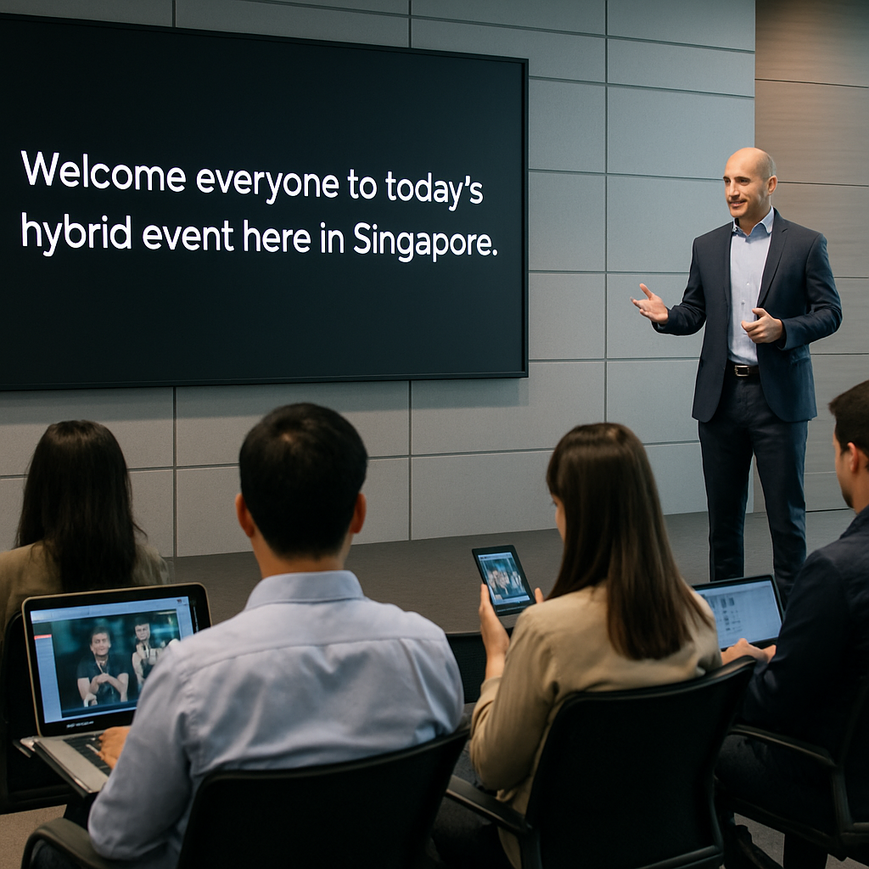
Automated closed captioning has become one of the most practical ways to make video more accessible, especially for organisations that publish webinars, training sessions, town halls, product demos, and livestreams. For Singapore audiences, this matters because digital content is now a daily part of work, education, public communication, and community engagement. When captions are accurate and easy to follow, they help people who are deaf or hard of hearing, support viewers watching without sound in public spaces or open offices, and improve comprehension for multilingual audiences who may be more comfortable reading along than relying on audio alone.
Closed captions are not the same as subtitles. Captions usually include spoken dialogue plus relevant non-speech information such as [music], [applause], or speaker changes, while subtitles often assume the viewer can hear the audio and mainly translate speech. Automated closed captioning uses speech recognition software to generate text from audio in real time or from recorded content. The technology has improved substantially, but it is still not perfect. Accent variation, overlapping speech, technical terms, poor audio quality, and background noise can all reduce accuracy. That is why the best results come from combining automation with human review, good production practices, and clear accessibility planning from the start.
For organisations in Singapore, this is especially relevant because many teams produce content for diverse audiences across sectors such as education, healthcare, government, finance, professional services, and events. A captioning workflow that is thoughtful and well managed can improve reach without making the production process unreasonably complex. It also supports inclusive communication, which is increasingly expected by viewers and stakeholders.
What automated closed captioning does, and where it fits in accessibility planning
Automated closed captioning converts spoken audio into on-screen text using automatic speech recognition, often abbreviated as ASR. In practical terms, the system listens to speech, identifies words, and displays them as captions during a live stream or after recording. Some platforms also allow editing after generation, which is important because raw machine output usually contains mistakes, especially when the audio is not clean.
Accessibility planning should begin with the understanding that captions are part of a broader communication strategy. They are not just a technical add-on. Captions improve access for people with hearing loss, but they also help viewers in environments where audio is inconvenient or unavailable, such as MRT rides, shared offices, quiet libraries, or waiting rooms. For Singapore teams managing hybrid events, captions can also support participants who join from different time zones, follow discussions in a second language, or need extra processing time to understand complex material.
From a professional perspective, the goal is not merely to turn on a captioning feature. The goal is to provide intelligible, timely, and readable text that supports comprehension. That means captions should be accurate, synchronised with speech, and formatted in a way that does not distract from the video content.
How automated speech recognition works in simple terms
Most automated systems use machine learning models trained on large amounts of speech data. They analyse patterns in pronunciation, rhythm, and context to predict words. Better systems can adapt to speaker accents and domain-specific terminology, but they still rely heavily on audio quality and clear speech. If the microphone picks up echo, overlapping conversation, or compressed audio from a livestream, the resulting captions can become unreliable.
That is why a well-designed setup matters. A clear microphone, proper audio gain, minimal background music during dialogue, and one speaker at a time all improve the outcome. In event production, these are not cosmetic details. They directly affect accessibility.
How to improve caption quality before the event or recording starts
The most effective way to get usable automated captions is to reduce avoidable audio problems before the recording begins. This is where event producers, corporate teams, educators, and communications staff can make a major difference. In Singapore’s fast-paced event environment, it is common to focus heavily on visuals, branding, and scheduling, but accessibility quality often depends on audio preparation.
For live events and hybrid productions, the simplest improvement is to use high-quality microphones placed close to speakers. Lapel microphones, headsets, and well-managed podium microphones usually produce clearer speech than room microphones alone. If multiple people will speak, brief them to avoid talking over one another. This is especially useful during panel discussions, Q&A sessions, and breakout segments.
It also helps to prepare speakers in advance. Encourage them to speak at a steady pace, avoid excessive jargon where possible, and pause between key points. When presenters read from scripts, captions often perform better because speech is more structured. However, scripted delivery should still sound natural, not robotic.
Use a caption-friendly script and slide design
Event materials can influence caption accuracy indirectly. Slides full of acronyms, brand-specific terms, or technical abbreviations may be difficult for automated systems if speakers refer to them quickly or inconsistently. If your organisation uses industry-specific terminology, prepare a pronunciation guide or glossary in advance. Some captioning platforms allow custom vocabularies or speaker dictionaries, which can improve recognition of names, product terms, and local references.
Visual design matters too. If captions are displayed on screen, do not place essential text too close to the bottom where captions may cover it. Leave safe space in the layout so that captions remain readable without obscuring important visuals. This is particularly important for webinars, training videos, and livestreams that include lower-third graphics or ticker-style information.
Check audio sources before going live
Audio checks should be part of every production rehearsal. Listen for hum, echo, reverb, clipping, and uneven volume between speakers. If your event includes remote presenters, test their microphones and internet connection before the session starts. A strong wired or stable broadband connection reduces dropouts that can interfere with live transcription. For Singapore events with international participants, pre-event testing becomes even more important because cross-border connectivity can vary.
If music is used before or after a speech segment, consider how it will affect captions. Captions should identify meaningful sound cues when relevant, but they should not be overwhelmed by unnecessary text. A clear content plan helps the platform distinguish speech from ambient audio.
Choosing the right captioning workflow for your content
Not every video needs the same captioning workflow. Live livestreams, recorded webinars, marketing videos, and internal training modules each have different requirements. Automated closed captioning is most useful when speed matters and the content needs to be published quickly. For example, live events or same-day recordings benefit from instant captions, even if they require later correction. Recorded content usually allows more time for editing, which can significantly improve quality.
When choosing a workflow, think about three questions. First, how important is real-time access? Second, how sensitive is the content, especially if it involves legal, medical, financial, or technical information? Third, how much editing time is available after the event? If the answer to the second question is high sensitivity, human review becomes much more important.
Live captions versus post-produced captions
Live captions appear while the speaker is talking. They are useful for webinars, hybrid conferences, public briefings, and live training. Their main strength is immediacy. Their main weakness is that they are more likely to contain errors because there is no time for extensive correction.
Post-produced captions are created after recording, then reviewed and corrected before publication. This approach is usually more accurate and is often better for on-demand videos, e-learning modules, and corporate knowledge libraries. If you have a choice, post-produced captions generally provide a stronger accessibility experience.
When to combine automation with human editing
Automation alone is often sufficient only for rough internal use or very simple content with clear speech. For public-facing material, a hybrid workflow is usually better. This means the system generates the first draft, then a human editor checks names, punctuation, timing, speaker labels, and any misunderstood phrases. In practice, this approach balances efficiency with quality.
For Singapore organisations, hybrid review is particularly important when content includes names of local institutions, neighborhoods, cultural references, or terms from multiple languages. Automated systems may struggle with Singapore English features, code-switching, or local pronunciation patterns. A human editor can correct these details and preserve meaning more reliably.
Accessibility best practices for Singapore audiences
Singapore is a multilingual society, and accessibility must work across diverse communication styles. Automated closed captioning helps, but the captioning strategy should reflect the audience and the context. In public communication, clearer language tends to improve both comprehension and transcription quality. In workplace or educational settings, captions can support people who process information differently, who are new to the topic, or who prefer to read along for retention.
Organisations should also consider the digital settings in which viewers consume content. Many Singaporeans access videos on mobile devices during commuting, breaks, or while multitasking. Captions make content more usable in these settings. They are also helpful in open-plan workplaces, where people may not be able to play audio aloud.
Keep captions readable on mobile screens
Readability matters just as much as accuracy. Keep caption lines short, use standard punctuation, and avoid excessive all-caps text unless it is needed for emphasis or proper nouns. If your platform allows it, set a comfortable display speed so viewers can read without feeling rushed. Captions that appear too quickly or stay on screen too briefly can be difficult to follow, especially for older adults or people who are not native speakers of the spoken language.
In Singapore, where audiences may include English, Mandarin, Malay, and Tamil speakers, plain and well-paced captions often make the viewing experience easier for everyone. If translation is needed, treat translated subtitles and captions as separate tasks. Machine-generated translation is not the same as accessibility-ready captioning and should be reviewed carefully.
Maintain confidentiality and content governance
For sensitive corporate, healthcare, or public sector materials, confirm how the captioning platform stores, processes, and retains audio and transcript data. Accessibility should never come at the cost of poor data governance. Review vendor terms, access controls, and compliance obligations before using any third-party service for internal meetings or externally published content. This is particularly important when the audio may contain personal information, commercially sensitive details, or confidential discussion.
Good governance also includes deciding who can edit captions, who approves the final version, and how corrections are documented. A simple review process can prevent avoidable errors from reaching the public.
Measuring whether your captioning setup is actually working
Effective accessibility is not based on assumptions. It should be checked through review and user feedback. Ask whether the captions are accurate enough to follow, whether they appear in sync with speech, and whether they are visible on different devices. If viewers repeatedly report problems with names, technical terms, or timing, those issues should be addressed in the workflow rather than treated as one-off mistakes.
For internal teams, a short quality checklist can be useful. Before publishing, review a sample of the captions, confirm speaker identification, check punctuation and sentence breaks, and make sure that sound cues appear where relevant. For recurring programmes such as weekly webinars or monthly town halls, keep a glossary of frequently used terms so each new event improves on the last.
It is also worth tracking whether captions are integrated smoothly with the rest of the viewing experience. Poor placement, distracting formatting, or delayed captions can reduce usability even when the text itself is mostly correct. Accessibility depends on the whole experience, not just the transcript.
Practical steps to implement automated closed captioning well
If you are starting from scratch, begin with a pilot project. Choose one internal webinar, one marketing video, or one event segment and build a captioning workflow around it. Test the audio, generate captions, edit the output, and gather feedback from a small group of viewers. Once the process is stable, scale it to more content.
A practical workflow for Singapore organisations often looks like this. Prepare a speaker list and glossary. Test microphones and network stability. Generate live or post-produced captions. Review for errors and timing. Publish only after quality checks are complete. Store approved files in a central system so future teams can reuse the same terminology and process. This reduces duplication and helps maintain consistency across events and departments.
For agencies, schools, and companies that run frequent hybrid events, working with an experienced production partner can be helpful because accessibility can be built into the event plan rather than added at the last minute. That includes camera direction, audio engineering, caption testing, and on-site coordination. The more integrated the process, the fewer accessibility issues tend to arise.
Automated closed captioning is most effective when it is treated as part of a professional communication workflow, not as a quick fix. When audio is clean, scripts are prepared, captions are reviewed, and governance is clear, the result is a more inclusive experience for viewers across Singapore. The practical takeaway is simple: start with good production habits, use automation to save time, and always keep a human quality check in the loop whenever accuracy matters. That approach gives your content a better chance of being understood, trusted, and used by the widest possible audience.

Jeremy Lee is a seasoned digital marketing director and strategist with over two decades of experience in the industry. As the founder of Sotavento Medios, I manage a diverse portfolio of over 50 businesses, helping brands grow through advanced search strategies and digital innovation. My work focuses on bridging the gap between traditional search engine optimisation and the evolving world of AI-driven answer engines.
get in touch