
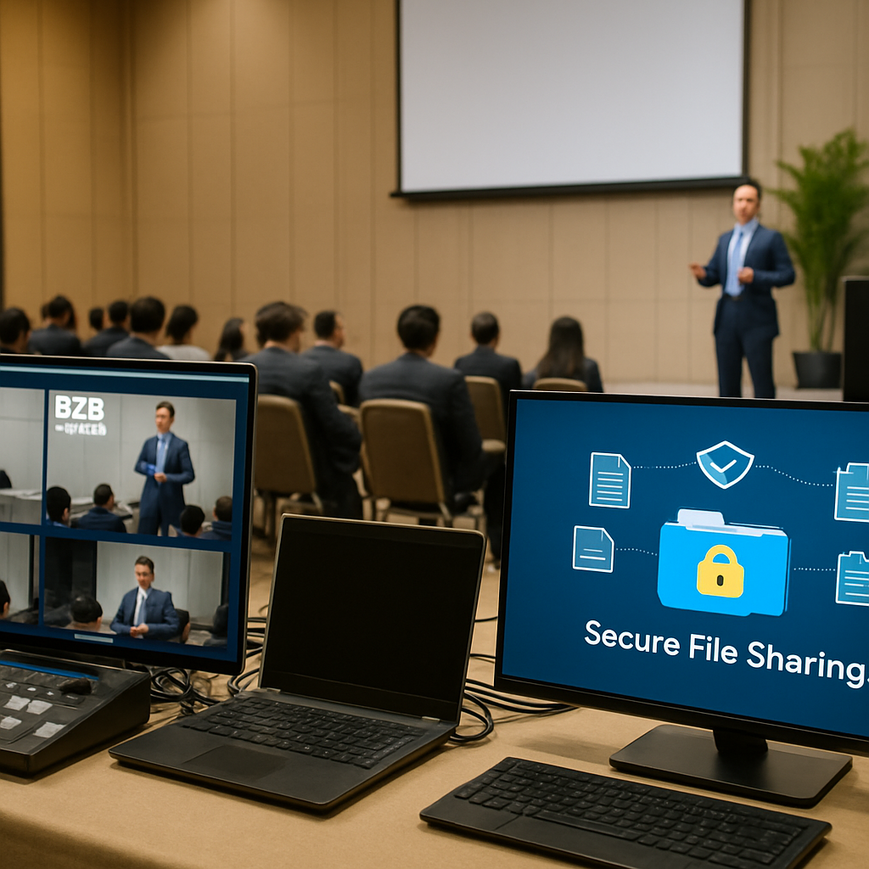
Live B2B streaming has become a practical way for Singapore companies to launch products, brief partners, train distributors, and run closed-door stakeholder meetings without asking everyone to be in the same room. Alongside the convenience, however, comes a very real operational risk: files that are shared during a live stream can be copied, forwarded, recorded, or left accessible long after the session ends. In a business environment where presentations may include pricing decks, client lists, internal roadmaps, contracts, or regulated information, secure file sharing is not a technical detail. It is part of basic corporate governance.
For organisations in Singapore, the issue is especially important because many teams work across offices, remote setups, and regional markets. A live stream may involve colleagues in different countries, external vendors, and clients joining from managed devices, personal laptops, or mobile phones. That combination makes control difficult unless the workflow is planned properly from the start. The goal is not to make sharing impossible. The goal is to make it controlled, traceable, and limited to the right people for the right period of time.
From a security perspective, file sharing during live B2B streams should be designed around four questions: who can access the file, how long access lasts, whether the file can be redistributed, and what happens after the session ends. If your organisation can answer those questions clearly, the risk drops significantly. If it cannot, the stream may still run smoothly on the surface while sensitive information quietly escapes the intended audience.
Why secure file sharing matters in live B2B streaming
Live streaming changes the normal rules of document handling. In a private meeting, a presenter can see who is in the room and control the pace of discussion. In a live stream, the audience may be larger, less visible, and geographically dispersed. Once a file is shown or shared, participants may screenshot it, save it locally, or forward it to others outside the original audience. Even if the stream itself is password-protected, the content inside the session still needs separate protection.
Secure file sharing matters because business files often contain more than marketing material. They may include personal data, commercial terms, internal product information, or preliminary financial details. Under Singapore’s Personal Data Protection Act, organisations must make reasonable security arrangements to protect personal data in their possession or under their control. That principle is highly relevant when a live stream includes client records, customer contact information, or employee data. For many companies, the safest approach is to treat every live file exchange as a controlled data transfer rather than an informal presentation aid.
Security also supports trust. When clients, distributors, or partners see that your organisation handles files carefully, they are more likely to engage confidently. This matters in Singapore’s business environment, where reputation, reliability, and regulatory discipline carry real commercial weight. Good file sharing practices also reduce operational friction. A secure system gives presenters confidence to share the right materials at the right time, instead of relying on ad hoc email attachments or chat uploads that are hard to track later.
Common risks during live streams
Several risks appear repeatedly in B2B streaming environments. The first is over-sharing, where a presenter uploads a full folder instead of a specific file. The second is uncontrolled access, where a link is sent too widely or remains active after the event. The third is device risk, where an attendee downloads the file to a personal device that is not encrypted or is shared with family members or colleagues. The fourth is recording risk, where a participant records the screen, preserving file content even after access is revoked.
Another common problem is using consumer file-sharing tools without proper administrative controls. Convenience is valuable, but consumer-grade settings may not be enough for business use, especially when the file contains commercial or personal data. A secure workflow should assume that anything displayed on screen may be captured unless access, permissions, and retention are carefully managed.
Build a secure sharing workflow before the stream starts
The most effective security decisions happen before the live session begins. Waiting until the presenter is already on stage, or already live on a webinar platform, usually leads to rushed decisions and avoidable mistakes. The best practice is to plan file sharing as part of the production workflow, alongside speaker timing, audience access, and technical rehearsals.
Start by defining the file categories you intend to share. A public product brochure does not require the same protections as a client-specific quote or a draft contract. Assign a sensitivity level to each file, then decide whether it should be shared live, shared after registration, or not shared at all. This is also the right time to confirm which departments need access, such as sales, legal, compliance, and IT, because secure sharing is not only a production task. It is a cross-functional responsibility.
Use least-privilege access
Least-privilege access means giving each person only the access they need to do their job. In a live stream, that might mean presenters can upload files, moderators can approve links, and attendees can only view or download a limited version. Do not give everyone edit rights by default. Where possible, restrict sharing to named users rather than open links, especially for sensitive documents.
For Singapore-based teams working with regional counterparts, this principle is particularly useful because it helps separate internal staff, external agencies, and client stakeholders. If a file is only meant for a specific customer account, do not place it in a general folder used by multiple teams. Use dedicated access groups or folders, then remove permissions after the event. Access reviews should be part of the post-event checklist, not an afterthought.
Choose secure file delivery methods
Many organisations use cloud storage, a virtual event platform, or a secure content portal to deliver files during live sessions. The safest option depends on the sensitivity of the content and the platform features available. Look for controls such as password-protected access, expiring links, download restrictions, audit logs, and identity verification. If the platform supports single sign-on, that can improve accountability because users access the file through their organisation’s authentication system.
Avoid sending critical files through personal messaging apps or unsecured email threads during the stream. Those channels are convenient but difficult to govern once messages start being forwarded across devices and accounts. If you must share through a link, ensure that the link is time-limited and audience-limited. The file should not remain available indefinitely just because the webinar recording is still online.
Protect the content itself, not just the link
Secure file sharing is often mistaken for secure link sharing. In practice, both matter, but content-level protection is what makes a real difference when the file leaves your controlled environment. A file can be linked securely and still be exposed if it is downloaded, copied, or distributed after the session. This is why content protection should sit at the centre of your workflow.
One useful layer is file encryption. Encryption converts data into a coded form so that only authorised users can read it with the correct key or credentials. Most reputable enterprise platforms support encryption in transit, which protects data while it moves across the internet, and encryption at rest, which protects stored data on servers. For higher-risk documents, consider whether the file itself should also be protected with application-level controls, rather than relying on the platform alone.
Use watermarking and version control
Watermarking is the practice of placing visible text, such as the recipient’s name or company, on a document. This does not stop screenshots completely, but it discourages casual redistribution and makes leaks easier to trace. For live B2B streams where the same deck is shown to multiple partners, dynamic watermarking can be especially useful. If an attendee knows their identity is attached to the file, they are less likely to distribute it casually.
Version control is equally important. If a presenter updates a slide deck after rehearsals, everyone must be using the same approved version. Sharing multiple copies increases the risk of outdated pricing, incorrect wording, or compliance errors. Keep one master version in a controlled repository, then publish only the approved release for the stream. After the event, archive the version that was actually shown so there is a clear record for audit or follow-up.
Limit downloads when appropriate
Not every file needs to be downloadable. For some live sessions, view-only access is enough. This is especially helpful when the goal is to present information, not distribute it permanently. If downloads are necessary, consider limiting them to attendees who have been verified, or making the file available only for a short window after the session ends. Download restrictions should be used thoughtfully, because some audiences need offline access for internal review. The key is to match the permission level to the real business need.
For Singapore businesses working with regional partners across different time zones, short access windows can help prevent files from lingering in inboxes and shared drives. If a file is meant for a live briefing, there is often no reason for it to remain open for weeks. A clear expiry date reduces exposure without adding much burden for legitimate users.
Manage identity, audience, and moderation carefully
File security cannot be separated from audience management. Even the strongest file controls can be undermined if the wrong people enter the stream. Before sharing any sensitive document, confirm that your event registration, identity verification, and moderation procedures are aligned. For closed B2B streams, use registration fields that collect the minimum necessary information, then verify that attendees match the intended audience before granting access.
Where possible, use authenticated attendance rather than open entry. A verified login helps reduce anonymous participation and improves traceability if something goes wrong. Moderators should also be trained to watch for suspicious behaviour, such as repeated joining and leaving, unusual questions about file availability, or attempts to request the full deck in public chat.
Control chat, Q and A, and file requests
Live chat is often where security gaps appear. An attendee may ask for a copy of the deck, a contract template, or a pricing sheet, then another participant may repeat the request. Set a clear policy for how file requests are handled during the stream. If a file is sensitive, do not promise to send it to everyone. Instead, instruct attendees to contact the account manager, sales lead, or support team through a secure channel after the session.
It is also wise to separate public discussion from private follow-up. For example, if a distributor asks for a region-specific pricing sheet, that file should be sent only through a controlled post-event process, not dropped into the chat. This approach is more professional and easier to audit. It also prevents a single request from becoming an accidental mass distribution event.
Handle compliance, retention, and incident response properly
Security does not end when the stream finishes. Once the session is over, the organisation should know exactly where the files are stored, who still has access, and how long the material will be retained. This is important for both governance and operational hygiene. The longer a file remains accessible, the greater the chance of unintended sharing or unauthorised reuse.
In Singapore, organisations should also align their practices with internal data protection policies and any sector-specific obligations they may have. For example, financial services, healthcare, and education sectors may have additional expectations around confidentiality and record-keeping. If the file contains personal data, the organisation should review whether retention remains necessary and whether access should be revoked once the purpose has been fulfilled.
Create a post-event access review
After the stream, review who accessed the files, when they accessed them, and whether any links are still active. Audit logs are useful here because they show patterns that the team can assess later. If a link was shared outside the intended audience, revoke it promptly and document the incident. If a file was downloaded by a user who should not have needed it, examine whether the registration or access controls need improvement.
Retention should be intentional. Keep files only as long as needed for business, legal, or compliance purposes, then remove or archive them according to policy. If the stream included confidential information, consider whether the recording and associated files should be stored in a restricted repository rather than a general team folder. The aim is to minimise exposure without destroying useful records prematurely.
Prepare for a security incident
Even with strong controls, mistakes happen. A file may be sent to the wrong audience, a link may be left open, or a presenter may share an unapproved document. A simple incident response process helps teams react quickly. The process should define who to notify, how to revoke access, how to assess the impact, and how to document the event. Speed matters, but so does accuracy. Avoid guesswork; confirm what happened before making public statements or internal assumptions.
Training is part of incident readiness. Presenters, moderators, and event producers should know how to pause a live session, remove a file, or switch to a safer backup document if necessary. Run a rehearsal that includes not only audio and video checks, but also file-sharing checks. Many problems are caught during rehearsals when teams test real workflows instead of assuming the platform settings are correct.
Practical checklist for Singapore B2B teams
A secure live-stream workflow becomes much easier to maintain when teams use the same checklist every time. Before the event, classify the files, confirm the audience, assign permissions, and test the sharing method. During the event, use a moderator to control file releases and chat requests. After the event, review access logs, revoke links, and archive or delete files according to policy. Keep the process simple enough that busy teams can follow it consistently.
- Classify each file by sensitivity before the stream.
- Use named-user access or tightly controlled groups whenever possible.
- Enable encryption, audit logs, and expiring links on the chosen platform.
- Use watermarking for sensitive decks shared with external parties.
- Restrict chat-based file requests and route them through secure follow-up channels.
- Remove access and review logs after the stream ends.
- Store recordings and documents in restricted repositories if they contain confidential content.
- Train presenters and moderators to pause or stop sharing if a mistake occurs.
For Singapore companies, the most practical approach is usually a layered one. Combine platform controls, audience controls, document controls, and post-event governance. No single tool can solve every risk, but a well-designed process can reduce exposure significantly while still allowing efficient communication with clients and partners. That balance is especially important for B2B events, where professionalism depends on both presentation quality and information discipline.
Live streams are often judged by how polished they look, but the real test is how securely they handle the information behind the presentation. When file sharing is planned carefully, the stream feels seamless to the audience while remaining controlled in the background. That is the standard Singapore businesses should aim for. Keep the audience specific, keep the permissions narrow, keep the access temporary, and keep the records traceable. If a file does not need broad distribution, do not give it broad distribution. If it does need sharing, make sure every step is intentional, documented, and easy to audit.
For organisations that handle sensitive client information, regulated data, or commercially important documents, secure file sharing should be part of the event design, not an add-on. If your team is planning a live B2B stream, use a rehearsal to test file permissions, approval workflows, and post-event revocation before the actual session goes live. That preparation protects both your content and your reputation.

Jeremy Lee is a seasoned digital marketing director and strategist with over two decades of experience in the industry. As the founder of Sotavento Medios, I manage a diverse portfolio of over 50 businesses, helping brands grow through advanced search strategies and digital innovation. My work focuses on bridging the gap between traditional search engine optimisation and the evolving world of AI-driven answer engines.
get in touch